
Add a Cloud Identity Provider
Add an IdP integration in Secure Access and configure the provisioning of users and groups on the IdP.
Provide a label for the IdP integration, generate an SCIM token, and save the token to your local system.
Copy and save the Secure Access Identity API URL, and then use the Secure Access SCIM token and URL to configure the integration with an IdP.
Before you begin
- Full Admin user role. For more information, see Manage Accounts.
- For the requirements see Requirements.
Procedure
| 1 |
Navigate to Connect > Users and User Groups, and then click Configuration management. 
|
| 2 |
On the Configurations tab, click Integrate directories, and then click Identity provider (IdP). 
|
| 3 |
For IdP directory name, enter a descriptive label for the IdP integration. 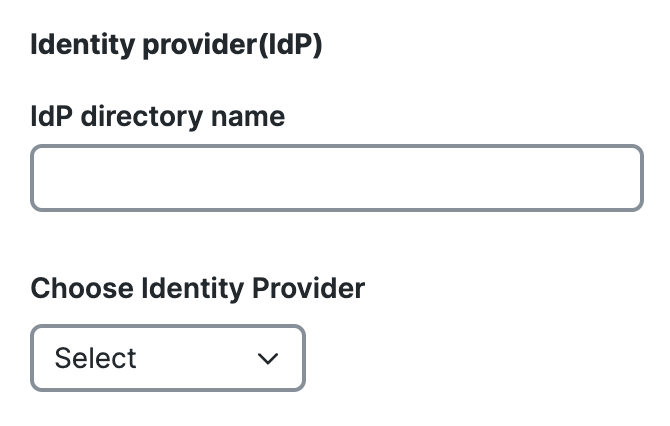
|
| 4 |
For Choose Identity Provider, select an IdP or Other, and then click Next. 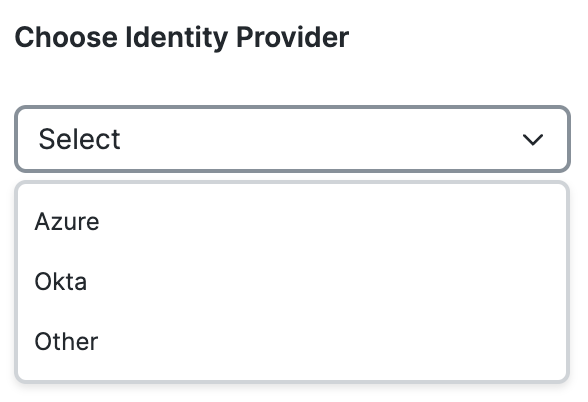
|
| 5 |
For Provisioning Token, click Generate Token to create the SCIM token for the integration with the IdP and Secure Access. 
|
| 6 |
Click Copy token, and then save the SCIM token to your local system. 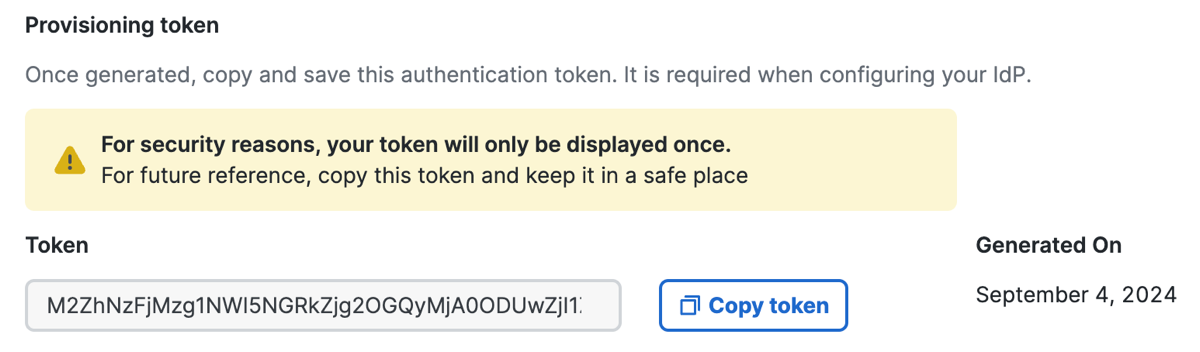
|
| 7 |
For Provisioning URL, click Copy URL to get the Secure Access identity provisioning URL. Save the URL to your local system. 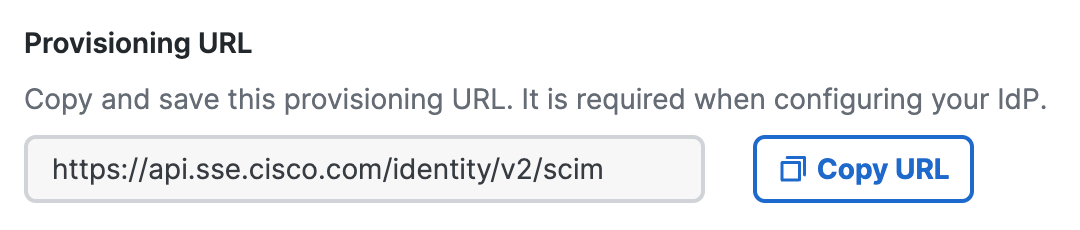
|
| 8 |
For Configure your IdP portal, set up an IdP for the organization. For more information, see Configure Identity Providers. |
| 9 |
Click Done. |
What to do next
Configure a user authentication profile for users in the organization to use single sign-on (SSO) when connecting to web and private destinations. For more information, see Add User Authentication Profiles.